
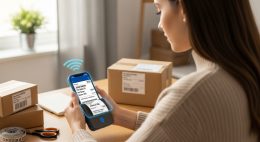
Mobile shipping label printing means generating and printing shipping labels directly from your smartphone using a Bluetooth thermal printer. No desktop ,cables, link.
If you run an eCommerce store, sell on Etsy, manage Amazon FBA shipments, or ship products from home, speed matters. According to industry reports, over 60% of small online sellers now manage orders primarily from mobile devices. Yet many still rely on laptops to print shipping labels. That gap slows fulfillment.
This is where Android label printing and iOS label printing change the workflow. A portable shipping printer connects wirelessly to your phone. You download your carrier label. Tap print. Done in seconds.
Problem: Most sellers think printing labels requires a desktop and wired printer.
Agitation: That setup adds friction. You walk to another room. Turn on the computer. Connect cables. Waste time.
Solution: Use a Bluetooth thermal label printer and print directly from your phone.
This guide explains exactly how to do it. Step by step. No fluff. Just a practical system that works.
How Does a Bluetooth Shipping Label Printer Work?
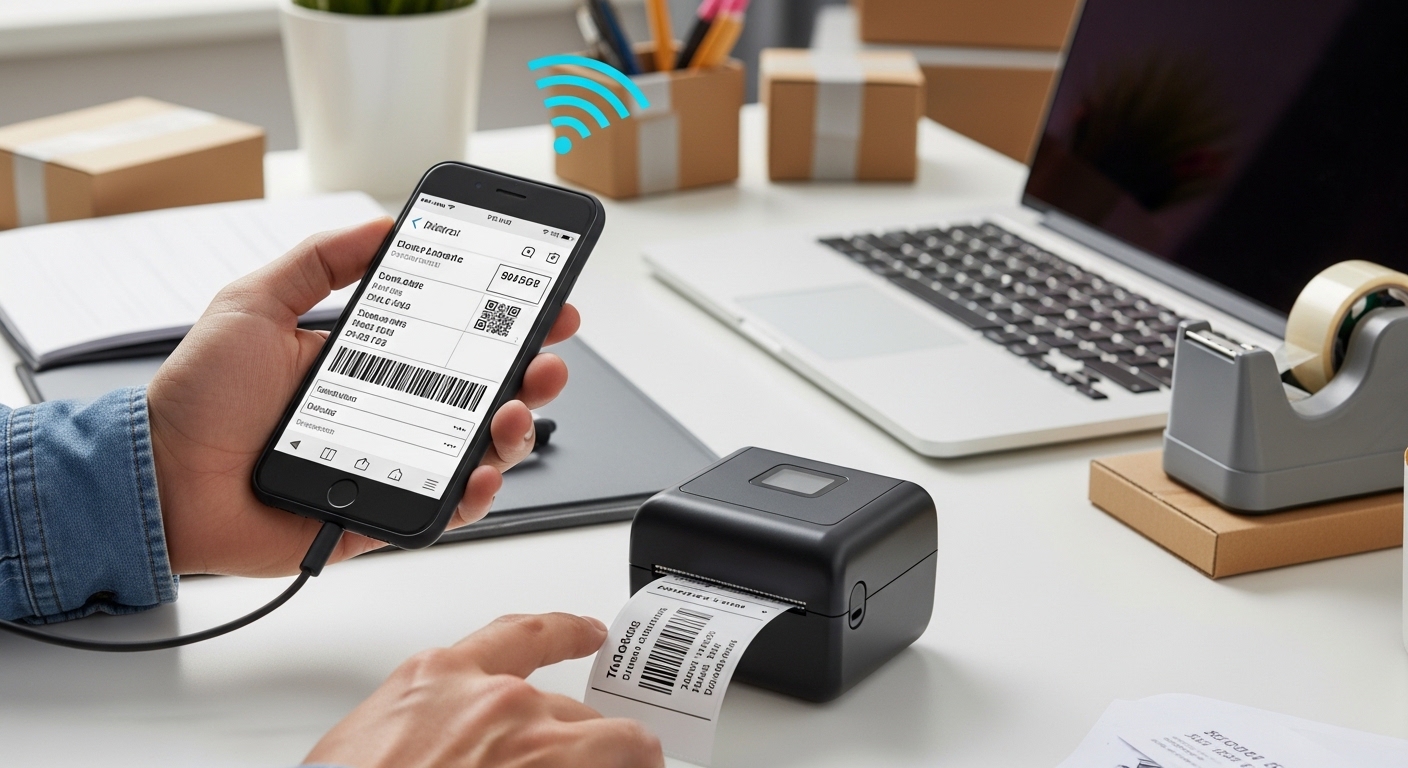
A Bluetooth shipping printer uses thermal technology to print labels without ink, toner, or ribbons.
Instead of ink cartridges, it applies heat to special thermal paper. The heat reacts with the label coating and creates the printed image. That means:
- No ink replacement cost
- No clogged cartridges
- Low maintenance
- Fast print speed (typically 150–200 mm/s)
Most portable shipping printers support 4×6-inch labels, the standard size used by USPS, UPS, FedEx, DHL, and major marketplaces.
Bluetooth connects your phone to the printer. Once paired, you can print directly from carrier apps, eCommerce apps, or a dedicated label printing app.
What Do You Need to Print Shipping Labels from Your Phone?
You need three things: a smartphone, a Bluetooth thermal label printer, and 4×6 thermal labels.
1. Smartphone (Android or iPhone)
Supports Android label printing or iOS label printing via carrier or marketplace apps.
2. Portable Shipping Printer
Choose a 4×6 Bluetooth thermal printer compatible with your operating system. For example, this portable shipping printer review explains performance, compatibility, and setup details.
3. Thermal Labels
Use 4×6-inch direct thermal labels. Most printers support roll or fanfold formats.
| Item | Purpose | Required? |
|---|---|---|
| Smartphone | Generate and send labels | Yes |
| Bluetooth Thermal Printer | Print shipping labels | Yes |
| Thermal Labels (4×6) | Print surface | Yes |
| Ink/Toner | Not needed | No |
How to Print Shipping Labels from an Android Phone?
To print shipping labels from Android, connect your Bluetooth printer, download the carrier label as PDF, and print via the printer app.
Step 1: Pair the Printer
- Turn on the Bluetooth printer.
- Open Android Settings → Bluetooth.
- Select your printer from available devices.
- Tap Pair.
Step 2: Install the Printer App
Most portable shipping printers provide an Android app. Install it from Google Play.
Step 3: Generate Your Shipping Label
- Open Shopify, Amazon Seller, Etsy, eBay, or your carrier app.
- Purchase and download the 4×6 shipping label.
- Save it as PDF.
Step 4: Print
- Open the printer app.
- Import the label PDF.
- Set paper size to 4×6 inches.
- Tap Print.
Most Android label printing setups take under 2 minutes after first pairing.
How to Print Shipping Labels from an iPhone?
For iOS label printing, connect via Bluetooth through the printer’s dedicated app and print the downloaded label file.
Step 1: Enable Bluetooth
Go to Settings → Bluetooth → Turn On.
Step 2: Connect via Printer App
Unlike AirPrint printers, many thermal printers require connection through their official app. Open the app and search for devices.
Step 3: Download Shipping Label
- Purchase shipping inside Shopify, Etsy, or carrier app.
- Download the 4×6 label.
- Save to Files or iCloud.
Step 4: Print Label
- Import the file into the printer app.
- Confirm 4×6 format.
- Tap Print.
iOS label printing works smoothly once initial permissions are granted.
Which Marketplaces Support Mobile Label Printing?
Most major eCommerce platforms support mobile shipping label downloads.
- Amazon Seller Central
- Shopify
- Etsy
- eBay
- USPS Click-N-Ship
- UPS Mobile App
- FedEx Mobile
Each allows downloading labels in PDF format, which works with Bluetooth thermal printers.
Is a Portable Shipping Printer Worth It for Small Businesses?
Yes. It reduces cost per label and speeds up order fulfillment.
Case study example: A small Etsy seller shipping 20 orders daily switched from an inkjet printer to a thermal printer.
- Ink cost per month: $35–$60
- Paper cost per month: $20
- Total: ~$80
After switching:
- Thermal labels: ~$18–$25 per month
- No ink expense
- Faster printing time
Annual savings exceeded $600. Over three years, that covers the printer cost multiple times.
Speed also improved. Average label printing time dropped from 25 seconds to under 5 seconds per label.
What Are Common Problems and How Do You Fix Them?
1. Printer Not Connecting
- Turn Bluetooth off and on.
- Restart printer.
- Reconnect via app.
2. Label Prints Too Small
- Confirm 4×6 size.
- Disable “Fit to Page”.
3. Blurry Print
- Use direct thermal labels.
- Check print density setting.
4. iPhone Not Detecting Printer
- Use official printer app.
- Allow Bluetooth permissions.
What Should You Look for in a Bluetooth Shipping Printer?
Choose a printer that supports 4×6 labels, Bluetooth 4.0+, Android and iOS compatibility, and 150mm/s+ print speed.
- Resolution: 203 DPI minimum
- Label Width: 1.5–4 inches
- Compatibility: Android, iOS, Windows, Mac
- Compact size for portability
A reliable portable shipping printer reduces friction and increases fulfillment efficiency.
How Secure Is Mobile Shipping Label Printing?
Bluetooth printers use short-range encrypted connections.
Bluetooth range typically stays within 10 meters. Data transmission risk is low in home or office environments. For additional safety:
- Disable Bluetooth when not in use
- Avoid public pairing
- Use trusted apps only
Conclusion: Should You Switch to Mobile Label Printing?
Printing shipping labels from your phone is no longer optional for modern sellers. is practical. saves time. reduces cost. simplifies workflow.
If you process even 5–10 orders per day, a Bluetooth thermal printer pays for itself. eliminate ink costs. speed up packing. stay flexible.
The shift toward Android label printing and iOS label printing reflects how eCommerce operates today: mobile-first.
Stop walking back to your computer. Streamline your fulfillment system.
Ready to upgrade your shipping process? Choose a reliable portable shipping printer and start printing directly from your phone today.
Frequently Asked Questions (FAQs)
Can I print shipping labels without a computer?
Yes. A Bluetooth thermal printer allows direct printing from Android or iPhone without a desktop.
Do Bluetooth label printers require ink?
No. They use direct thermal technology, which eliminates ink or toner.
What size shipping label do I need?
Most carriers use 4×6-inch labels. Always confirm with your shipping provider.
Does iPhone support Bluetooth label printing?
Yes. You must use the printer’s official app to manage iOS label printing.
Are portable shipping printers compatible with Shopify?
Yes. Download the label PDF from Shopify and print via the printer app.
How much does a Bluetooth shipping printer cost?
Prices range from $80 to $200 depending on brand and features.
Is thermal printing durable for shipping?
Yes. Direct thermal labels are widely used by USPS, UPS, and FedEx for shipment tracking.
Related Topic: How to Check Meat Temperature for Safe Cooking
Read Next: How to Prevent Dog Overheating During Summer Walks